Smart Thermostat Winter Settings That Actually Lower Your Bill
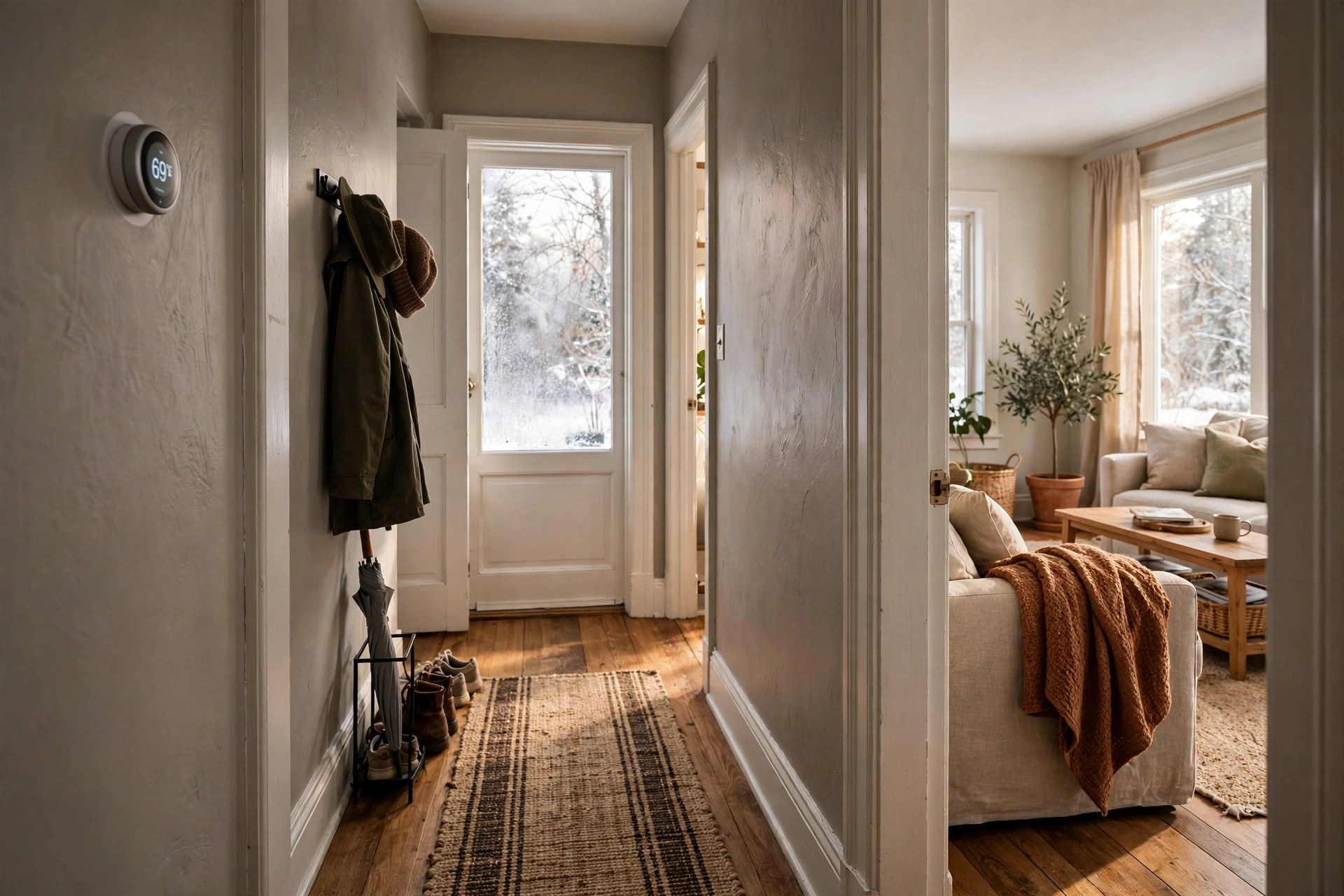
Most people buy a smart thermostat and then run it like a dumb one: one temperature, all winter, set by whoever touched it last. That single habit quietly erases most of the savings the thermostat was supposed to deliver. The hardware is only half the purchase. The other half is the schedule you program into it, and it costs nothing.
The good news: a daytime temperature, a deeper nighttime setback, an away mode that actually engages, and room sensors that stop heating empty rooms can shave a noticeable chunk off your heating bill without a single cold morning.
A quick caveat before you touch anything
The temperatures below are starting points that work for most households, but they are not medical advice. Babies, elderly family members, and anyone with certain health conditions need warmer minimums. Pets do too, depending on the animal. If anyone in your home falls into those groups, keep your setbacks gentler and check with your pediatrician or veterinarian about safe indoor temperatures. Adjust for your household, not for a blog post.
Here's what you'll learn in this guide to smart thermostat winter settings: the daily schedule that cuts heating costs without discomfort, how to set eco and away modes so they actually work, where to place room sensors for real savings, and the small fine-tuning details that add up over a season.
The Winter Schedule That Actually Saves Money
Your thermostat saves energy when the house is cooler and you do not notice. The trick is timing the temperature to your life, not fighting it. A smart thermostat can run a different temperature for every part of your day automatically, which is the whole point of owning one.
What to set and when
Most households follow a pattern like this. Wake-up happens around 6 or 7 a.m., the house empties by 8 or 9, everyone returns around 5 or 6 p.m., and bedtime lands between 10 and 11. Program four blocks:
Morning (wake to leave): 68 to 70 F (20 to 21 C). The house should already be warm when you get up. Set the warm-up to start 30 minutes before your alarm so the thermostat is not blasting heat at full power while you are shivering in the kitchen.
Daytime away (leave to return): 62 F (about 17 C). This is where the money lives. An empty house does not need to be cozy. The thermostat will hold this easily and cheaply, and the house recovers in the 30 minutes before you get home.
Evening (return to bedtime): 68 to 70 F (20 to 21 C). Comfort hours. You are home, awake, and actually using the living spaces, so this is when warmth is worth paying for.
Sleep (bedtime to wake): 62 to 65 F (17 to 18 C). You are under blankets, and most people sleep better in a cooler room. The thermostat barely works overnight, and you wake up to the morning block already warming things back up.
How low can you safely go?
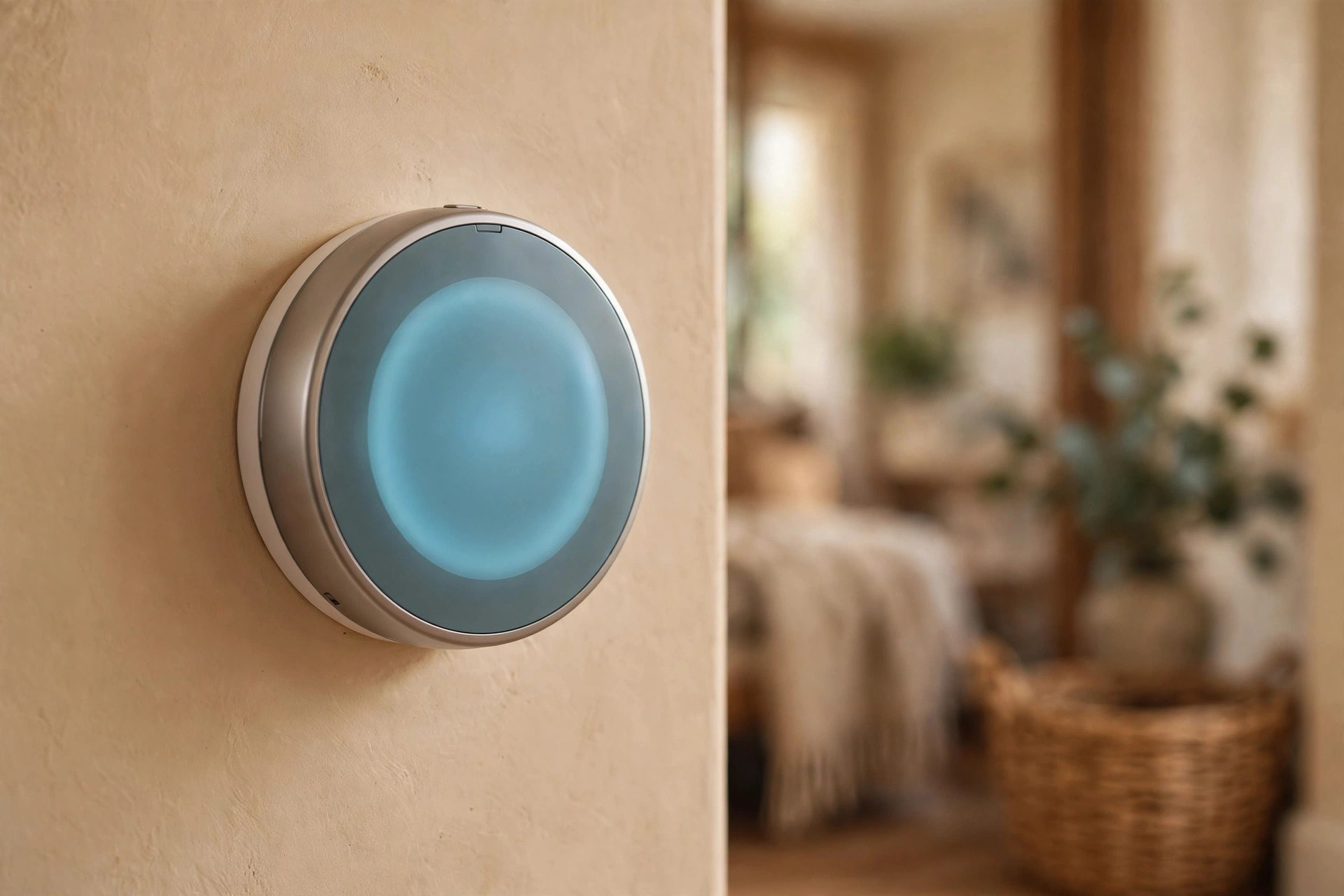
Furnaces handle recovery from a 6 to 8 degree setback routinely, so deep setbacks are safe for most homes. The floor to respect is 55 F (13 C): below that, pipes in exterior walls get nervous, especially in older homes. In hard-freeze areas, treat 60 F as the safer minimum if your pipes are old or your insulation is thin.
One exception: heat pumps. A heat pump recovers slowly and may call expensive backup electric heat to catch up, wiping out the savings. Keep setbacks to 2 or 3 degrees, or use your thermostat's heat-pump smart recovery mode.
Use Eco and Away Modes Properly
Most smart thermostats ship with eco and away modes that owners never configure. Out of the box, the away temperature is often too warm to save much, and geofencing is off. Ten minutes of setup fixes both.
Eco mode: the default for empty hours
Eco mode is a single temperature your thermostat holds whenever it thinks the house is empty. Set it deliberately rather than accepting the factory default:
Set eco heating to 62 F (17 C), matching your daytime away temperature, and let it engage on occupancy sensing rather than a timer if your model supports it. The thermostat's presence sensors drop to eco on their own when nobody has walked past for a while.
Away mode and geofencing: your phone does the work
Geofencing uses your phone's location to switch the thermostat to away when the last person leaves and back to home when the first person returns. It catches the irregular days the schedule misses: the Saturday you leave for six hours, the holiday trip, the late night out.
Every adult needs the thermostat app installed with location set to always allow; this skipped step is why geofencing never works for most families. Set away to 60 to 62 F (16 to 17 C), which keeps pipes safe on multi-day trips while recovering quickly. Use a separate vacation mode for trips over two days if your thermostat has one.
Room Sensors: Stop Heating Empty Rooms
A single thermostat in the hallway measures the hallway. If your bedroom runs cold and the living room runs warm, one sensor forces a compromise that satisfies nobody. Room sensors fix this for about the cost of a pizza each, and they are the single best upgrade for comfort.
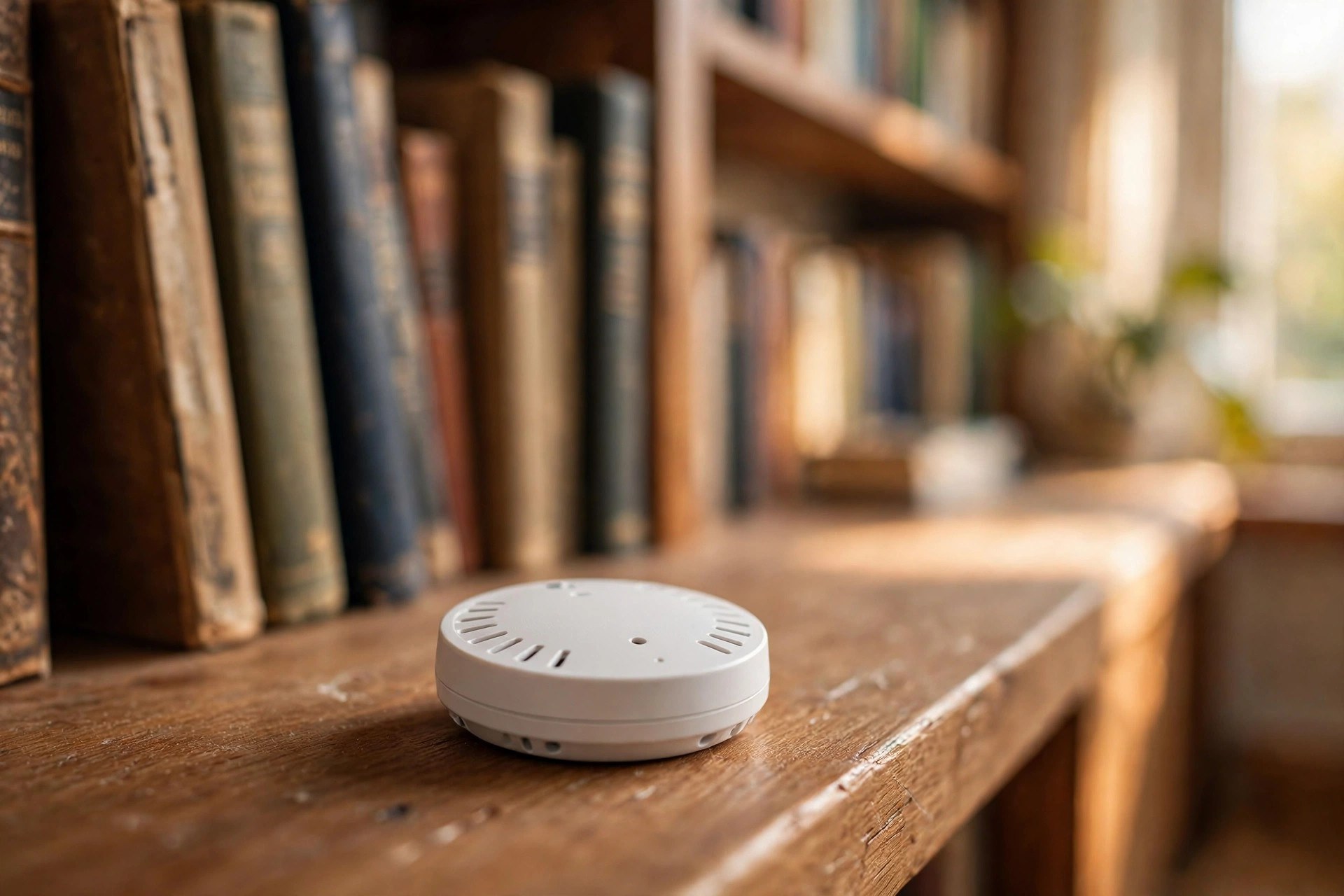
Where to put them: one in the bedroom you sleep in, one in the room you spend evenings in. That is enough for most homes. Place sensors on interior walls or shelves at about chest height, away from direct sunlight, drafts, heating vents, and electronics that throw heat.
How to use them: most thermostats let you assign sensors to schedule blocks. Use the bedroom sensor during the sleep block and the living room sensor during the evening block. The thermostat then heats to comfort where you actually are instead of averaging the whole house. If the sensor-equipped rooms are the ones you set temperatures for, empty rooms simply stay cooler, which is exactly what you want.
A few practical notes:
- Do not put a sensor in a room with a space heater or fireplace. It will read artificially warm and starve the rest of the house.
- In a small apartment, sensors matter less because one thermostat already covers the space. If your setup feels fine, skip them. Our guide to a smart home hub for small apartments covers when extra devices are worth it in tight quarters.
Fine-Tuning Details That Add Up
The schedule does the heavy lifting, but these smaller settings squeeze out the rest of the savings.
Turn on smart recovery. Instead of firing the heat at full blast at 6 a.m., smart recovery learns how long your house takes to warm up and starts earlier at lower power. It reaches 68 F exactly at wake time instead of overshooting to 71 and wasting energy. If your thermostat offers it, enable it.
Run the fan on auto, not on. Continuous fan circulation sounds efficient, but in winter it pushes cool air between heating cycles and makes rooms feel drafty. Auto lets the fan rest with the furnace.
Use humidity to feel warmer. Dry winter air at 68 F feels colder than humid air at the same temperature. If your thermostat tracks humidity, aim for 30 to 40 percent relative humidity. A small humidifier in the bedroom lets many people drop the sleep setback another degree without noticing.
Common Mistakes That Erase the Savings
- Cranking it to 80 to heat faster. Thermostats are not throttles. Setting 80 F does not warm the house faster than 70 F; it just overshoots and wastes energy. Set the temperature you actually want and let it work.
- Turning the system fully off for a weekend trip. Off means no freeze protection and a brutal recovery. Away mode at 60 F costs almost nothing and avoids both problems.
The Weekend Setup Checklist
Do these five things to capture most of the savings:
- Program the four daily blocks: morning, away, evening, sleep.
- Set eco mode to your away temperature and enable occupancy sensing.
- Enroll every adult's phone in geofencing with always-on location.
- Assign room sensors to the sleep and evening blocks.
- Enable smart recovery.
Total time: under an hour. If you are still shopping for the thermostat itself, start with our smart thermostat buying guide and see how it fits a broader setup in our roundup of the best smart home devices for an organized home.
Your heating bill is mostly a function of how many hours your system runs at full comfort temperature. Every hour the house sits a few degrees cooler while you sleep or while nobody is home is money you keep. The thermostat does the work. You just have to tell it what to do.