Self-Hosted Home Security: Your Cameras, Your Rules
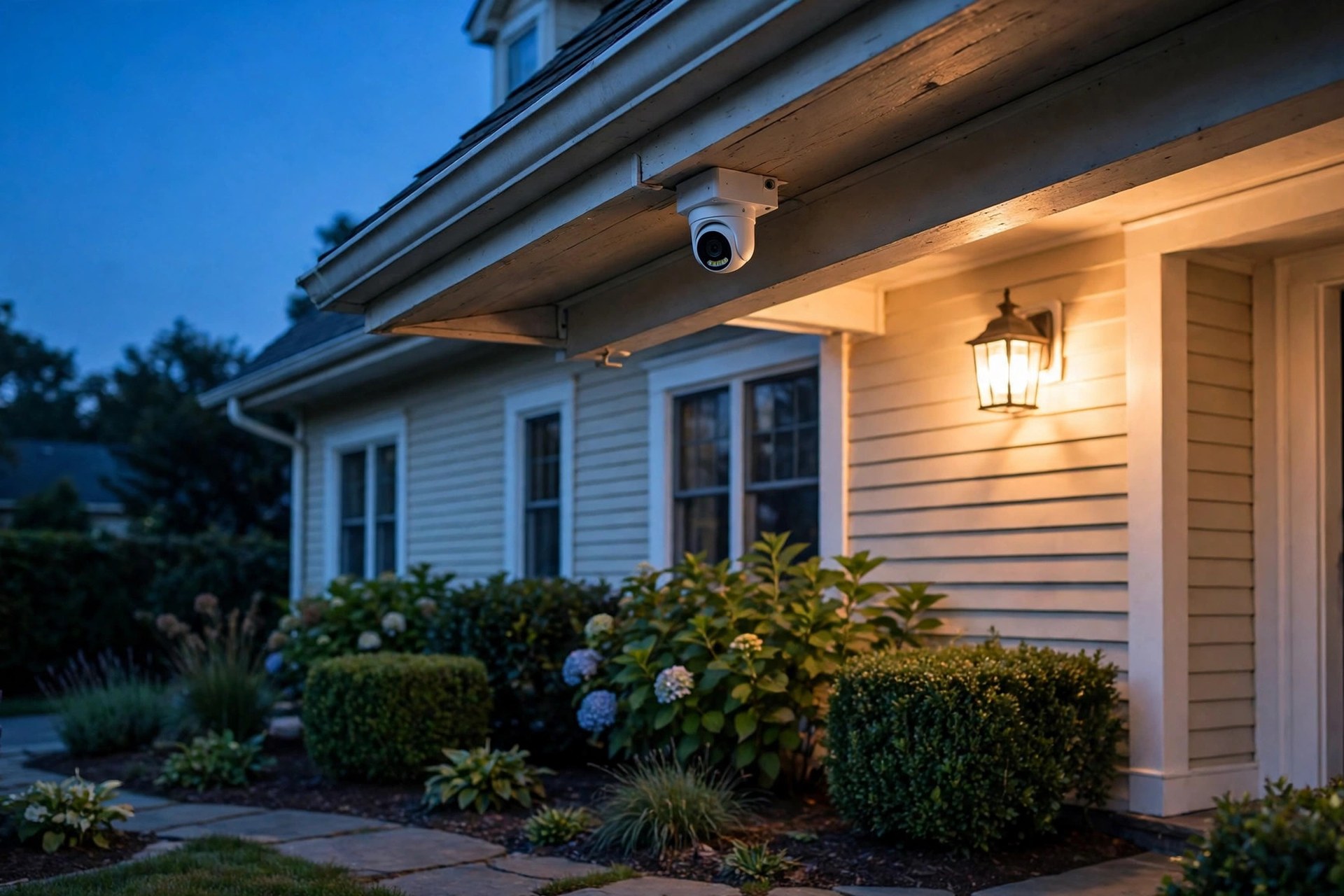
Self-hosted home security system November 2026: your camera footage lives in your house, on hardware you own, instead of on a company's server. The cameras record to a small computer in your home, and a cheap VPS, a virtual private server rented for under $30 a year, plays the remote half of the system: it keeps an off-site copy of the important clips, gives you a secure way in from your phone, and watches over the home hub while you are away.
Disclosure first, in plain language: this article contains affiliate links to RackNerd. If you buy through one, NestOrderly may earn a commission at no extra cost to you. The prices below were checked on RackNerd's own Black Friday page on 20 November 2026, and the system described here works with any VPS provider. Nothing in this article is sponsored by RackNerd.
The problem with a cloud camera
A typical cloud camera works like this: the camera films, the footage goes to the company's servers, and you pay a monthly subscription to watch it back. That arrangement has three weaknesses. First, the subscription never ends. Second, your footage sits on someone else's computer, under their terms. Third, if a burglar steals the camera or the recorder, the evidence goes with them, because the only copy lived in your house.
A self-hosted setup fixes the second and third weaknesses by splitting the job in two. The home half records everything locally. The remote half, the VPS, holds only the clips that matter, sent encrypted, somewhere a burglar cannot reach.
The two halves of the system
The home half is a local recorder. The most common way to build one is Home Assistant with Frigate. Home Assistant is free, open source smart-home software that runs on a small computer in your home. Its own site puts the point plainly: "Home Assistant keeps your data local, no need for a cloud... No data is stored in the cloud, and everything is processed locally." One honest qualifier from the same page: Home Assistant "will fallback to pulling in data from the cloud if there is no other option", so a camera with no local option still uses its cloud. Choose cameras that work locally, and the fallback never comes into play.
Frigate is the recorder that sits on top of it. Its documentation describes it as "a complete and local NVR designed for Home Assistant with AI object detection", doing realtime object detection locally for IP cameras. That matters for two reasons. First, the footage never leaves the house to be analysed. Second, Frigate records with "retention based on detected objects", which means it keeps the clips where something actually happened, a person at the door, a car in the driveway, and lets the hours of empty garden go. That is what makes the off-site backup affordable: you are copying events, not a 24-hour stream.
If you are weighing cameras, video doorbells with no subscription are a good place to start, since a doorbell that demands a monthly fee defeats the point of owning your footage.
The three jobs of the VPS
The VPS does three things, and only three things. Anything else is scope creep.
Job one is encrypted off-site backup of camera clips. Every night, or every hour, the home recorder copies its event clips to the VPS. If someone breaks in and takes the recorder, the clips are already somewhere else. That is the single most valuable thing the VPS does, and it is the reason this setup beats a camera with a memory card in it.
Job two is a WireGuard VPN endpoint. WireGuard is a modern VPN that, in its own project's words, "is an extremely simple yet fast and modern VPN that utilizes state-of-the-art cryptography". You connect your phone to the VPS over WireGuard, and from there into your home network, so you can check cameras and dashboards without opening any ports on your home router. Opening ports is how home networks get probed, and a VPN endpoint removes the need. WireGuard runs on Windows, macOS, BSD, iOS and Android, and it was first built for the Linux kernel, so your phone and your laptop are both covered.
Job three is uptime monitoring and a remote dashboard. A small self-hosted monitoring tool such as Uptime Kuma, which its own project describes as "an easy-to-use self-hosted monitoring tool", pings your home hub every 20 seconds and can send you a notification by email, Telegram, Discord or a dozen other services when the hub goes quiet. A hub that stops answering while you are on holiday is worth knowing about on day one, not when you get home.
What the VPS does not do
Here is the honest limit, stated plainly: the VPS does not record your live camera feeds, and it does not replace the local recorder. Four cameras streaming 1080p around the clock would push an enormous amount of data through a small server, and the maths shows why.
Assume one camera streams at 4 Mbps. That is 0.5MB per second, or 43.2GB per day for one camera. Four cameras running 24 hours a day would move about 172.8GB a day, roughly 5.2TB a month. The smallest plan below includes 3TB of monthly transfer, so a live stream alone would blow past it before anything else used the connection. Latency and reliability are against it too: a home upload connection dropping for an hour would mean an hour of footage lost, while the local recorder would have kept recording the whole time.
So the split is the point. The recorder at home handles the heavy, continuous work. The VPS handles the light, valuable work: event clips, a VPN tunnel, and a watchful eye on the hub. Anyone selling you a tiny VPS as a full cloud NVR is selling you a bottleneck.
The plans: RackNerd Black Friday 2026
RackNerd's Black Friday 2026 KVM VPS plans, checked on the company's own Black Friday page on 20 November 2026, are lifetime recurring, which RackNerd's FAQ states as: "These RackNerd VPS specials are lifetime recurring. You can renew at the same rate for as long as you keep the service." Every plan includes a 1Gbps port, full root access and one IPv4 address, and the plans are self-managed, meaning you control the operating system and your applications while RackNerd maintains the underlying infrastructure. You can pick from Ubuntu, Debian, AlmaLinux or Rocky Linux.
| Plan | Price / yr | Per month | vCPU | RAM | SSD | Transfer / mo |
|---|---|---|---|---|---|---|
| 1GB KVM VPS | $15.98 | $1.33 | 1 | 1GB | 20GB | 3TB |
| 2.5GB KVM VPS | $27.98 | $2.33 | 2 | 2.5GB | 30GB | 6TB |
| 4GB KVM VPS | $47.98 | $4.00 | 4 | 4GB | 60GB | 10TB |
| 6GB KVM VPS | $74.98 | $6.25 | 6 | 6GB | 85GB | 15TB |
| 8GB KVM VPS | $94.98 | $7.92 | 6 | 8GB | 140GB | 20TB |
For comparison, RackNerd's year-round specials are $21.99, $35.99, $59.99, $89.99 and $119.99 a year for the 1GB, 2GB, 4GB, 6GB and 8GB plans. Those year-round prices could not be confirmed on RackNerd's own site on 20 November 2026, because its specials page currently shows the Black Friday deals instead; they are corroborated by several secondary sources that agree exactly, including LowEndBox and bestusavps. On that comparison, the Black Friday 1GB plan saves $6.01 a year, or 27.3%, the 4GB plan saves $12.01 a year, or 20.0%, the 6GB plan saves $15.01 a year, or 16.7%, and the 8GB plan saves $25.01 a year, or 20.8%. The 2.5GB Black Friday plan has no exact year-round match; against the year-round 2GB plan at $35.99 a year, it costs $8.01 a year less while giving more RAM and more transfer, though less disk.
One more saving, verified in RackNerd's own official Black Friday thread on LowEndTalk: post your order number in that thread and RackNerd will double your monthly transfer allocation for free. RackNerd's representative replies in the thread confirming the doubling was applied to buyers who posted their order numbers. That turns the 1GB plan's 3TB into 6TB, which is far more than this system will ever use.
Which size for which job
Buy the smallest plan that does your job, and no bigger. A 1GB VPS is enough for the VPN plus monitoring job, and overspending on server size is an easy mistake in a build like this.
- 1GB, $15.98 a year: WireGuard VPN plus monitoring only. If your home recorder keeps all the footage and the VPS only carries the tunnel and the monitor, this is the right plan. Start here unless you know you need more.
- 2.5GB, $27.98 a year: VPN plus clip backup for 2 to 4 cameras. This is the sweet spot for most homes, and the plan we would pick for the system described in this article.
- 4GB, $47.98 a year: a fuller setup with a remote dashboard and more cameras, or longer clip retention. Pick this if you run six or more cameras, or you want the dashboard and monitoring on the same box with room to spare.
- 6GB, $74.98 a year, or 8GB, $94.98 a year: only if you are running extra services on the same server, a personal website, a media server, or a second project. For home security alone, these are more than you need.
How much storage the clips actually need
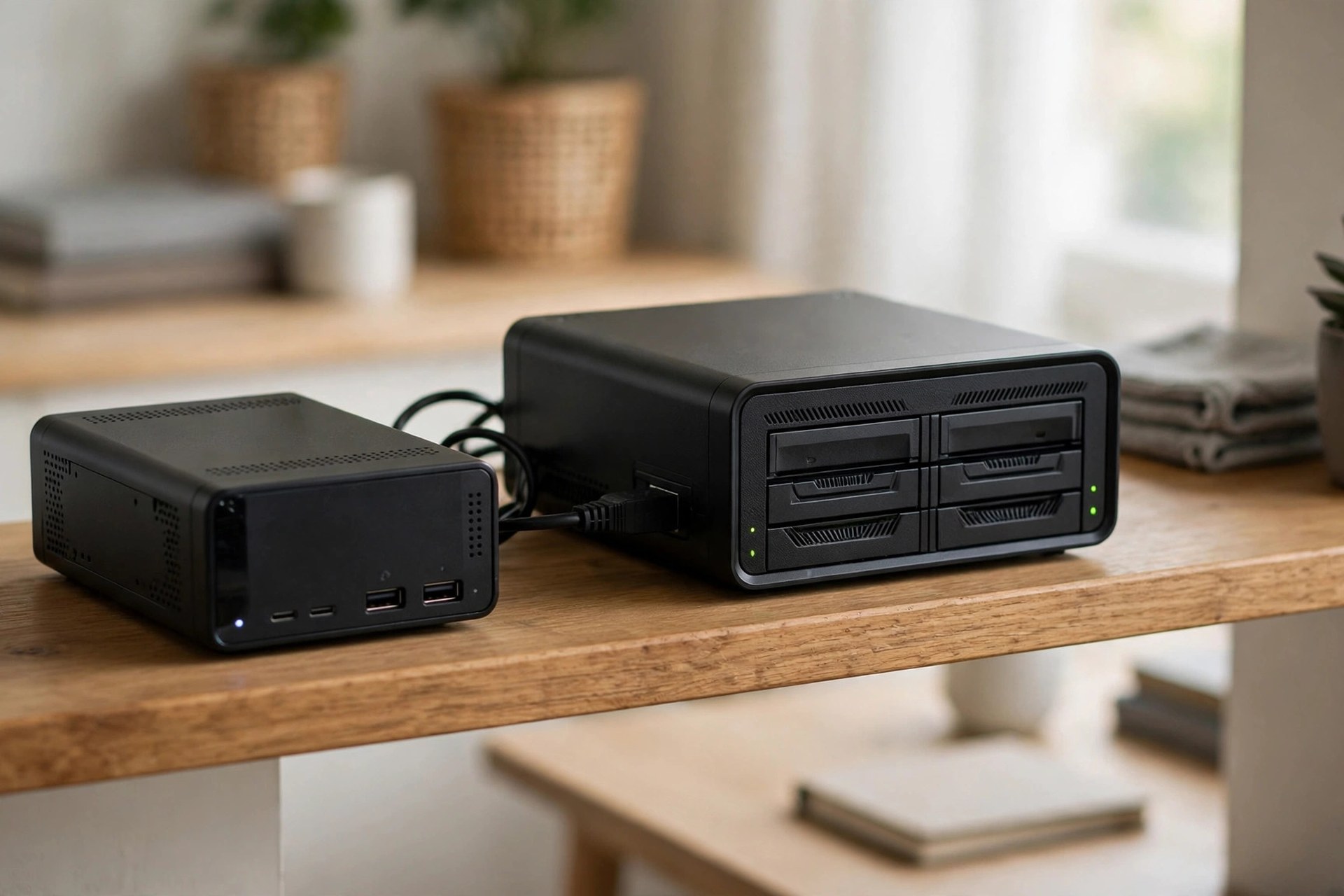
Frigate keeps clips of detected events, so the honest answer is that it depends on how busy your cameras are. To plan, use a stated assumption and do the maths from it. Assume motion-triggered event clips average 500MB per camera per day. That is a planning assumption, not a measured figure, and a quiet home will produce far less than a busy one.
On that assumption, four cameras produce 2GB of event clips a day. Seven days of retention needs 14GB, and 30 days needs 60GB. Two cameras produce 1GB a day, so 30 days needs 30GB. The 2.5GB plan's 30GB disk holds a week of four-camera clips (14GB) with room for the operating system and the VPN, or about two weeks of two-camera clips. A full month of clips fills the disk on either plan, 30GB for two cameras and 60GB for four, so keep a week on the VPS and a month on the recorder at home if you want longer retention.
The transfer side is even more comfortable. Uploading 2GB of clips a day uses 60GB of transfer a month. That is 2.0% of the 1GB plan's 3TB monthly transfer, and 1.0% of 6TB if you claim the doubled bandwidth. The backup job barely registers against these allowances, which is why the smallest plans work.
Putting it together
The build, in order, looks like this.
First, the home half. Install Home Assistant on a small computer that stays on all the time, a mini PC or a Raspberry Pi with an external drive. Add Frigate, point it at your cameras, and set retention to keep event clips for as long as your disk allows. Frigate's own documentation notes that a recommended detector is strongly advised and CPU detection should only be used for testing, so budget for a small AI accelerator if you run more than a couple of cameras.
Second, the VPS. Order the plan that fits your job, install Ubuntu or Debian, and set up WireGuard with one peer per phone and laptop. WireGuard setup is exchanging public keys, much like SSH keys, and its documentation walks through it in a page. Then install Uptime Kuma, point it at your home hub, and set up one notification channel you actually check.
Third, connect the two halves. Set the home recorder to copy its event clips to the VPS on a schedule, encrypted in transit, and test the restore: delete a clip locally and pull it back from the VPS. A backup you have never restored is a hope, not a backup. Then test the VPN from outside your home, on mobile data, and confirm you can reach your cameras and dashboards with no ports open on your router.
Fourth, lock it down. Key-based SSH login only, no password login. Automatic security updates on. The VPS firewall allowing only WireGuard and SSH from your own addresses. And keep the home hub updated too, because a smart home is only as secure as its least-updated device. Our earlier look at the smart home attack surface is a useful reminder that every connected device is a door, and this setup is about making sure you hold the keys.
The honest limits
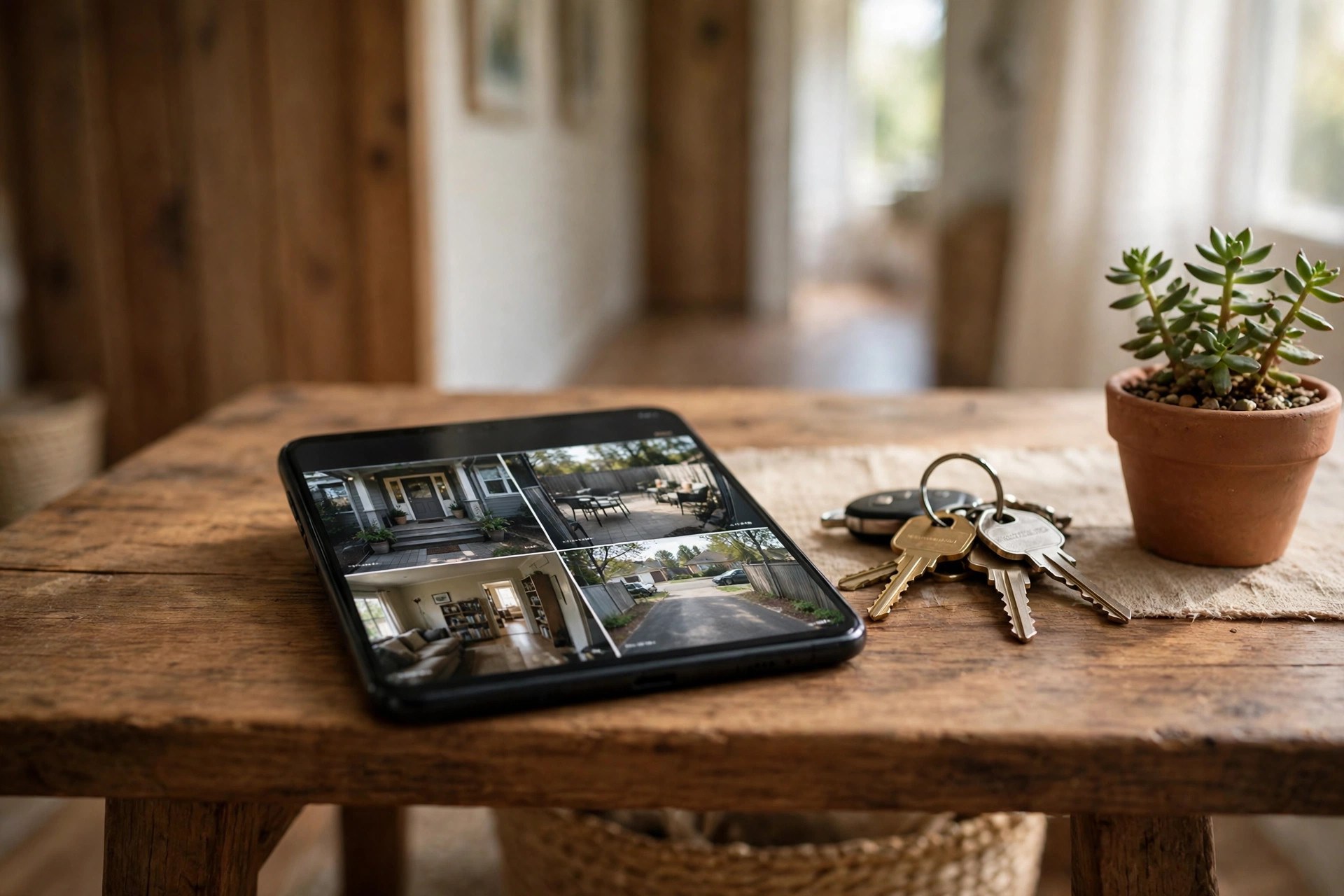
This system is self-managed, on both halves. RackNerd's own FAQ says it plainly about the VPS: "These VPS plans are self-managed. You control the operating system and your applications." If an update breaks WireGuard at 11pm, you are the support desk. If that sentence makes you uncomfortable, a cloud camera with a subscription is a fairer choice, and the current Ring deals are worth a look before you decide.
It also needs a home internet connection that can upload clips, and a recorder that stays powered. A UPS for the recorder is a sensible purchase, and so is a second drive. Finally, check your local rules before pointing cameras at shared spaces: your own front door is one thing, a neighbour's garden is another.
Done right, though, the result is a security system with no monthly fee, no footage on a stranger's server, and an off-site copy that survives the worst day. The Black Friday plans renew at the same price for as long as you keep the service.
Frequently Asked Questions
Do I still need a subscription for my cameras?
No, not for recording or viewing. Frigate records locally and Home Assistant shows the cameras on your own dashboard. You may still pay for optional extras, such as a domain name or a notification service, but there is no monthly fee to see your own footage.
Can the VPS record my cameras instead of a recorder at home?
No, and you should not try. Four cameras streaming 1080p around the clock would move about 5.2TB a month, more than the 3TB transfer allowance on the smallest plan, and a home internet outage would mean lost footage. The VPS stores event clips, runs the VPN, and monitors the hub. The recorder at home does the recording.
What happens if someone steals my home recorder?
The event clips already copied to the VPS survive, because they sit in a data centre the burglar cannot reach. That is the main reason for the off-site copy. Keep the copy schedule frequent, hourly rather than nightly, so the newest clips are already safe.
Is the 1GB plan really enough?
For the VPN plus monitoring job, yes. WireGuard and Uptime Kuma are light, and the 1GB plan's 3TB of transfer is far more than the tunnel and the monitor use. If you also want the VPS to hold clip backups for 2 to 4 cameras, step up to the 2.5GB plan for its larger disk.
What happens when the Black Friday sale ends?
The Black Friday prices are lifetime recurring, so a plan bought during the sale renews at the same price for as long as you keep the service. After the sale, RackNerd's year-round specials are $21.99, $35.99, $59.99, $89.99 and $119.99 a year for the 1GB, 2GB, 4GB, 6GB and 8GB plans, as corroborated by secondary sources including LowEndBox and bestusavps, which agree exactly.
Do I need to open ports on my home router?
No. That is the point of the WireGuard endpoint on the VPS. Your phone connects to the VPS, and the VPS connects to your home network over the VPN tunnel, so nothing on your router needs to face the internet. Your home network stays closed to the outside world.