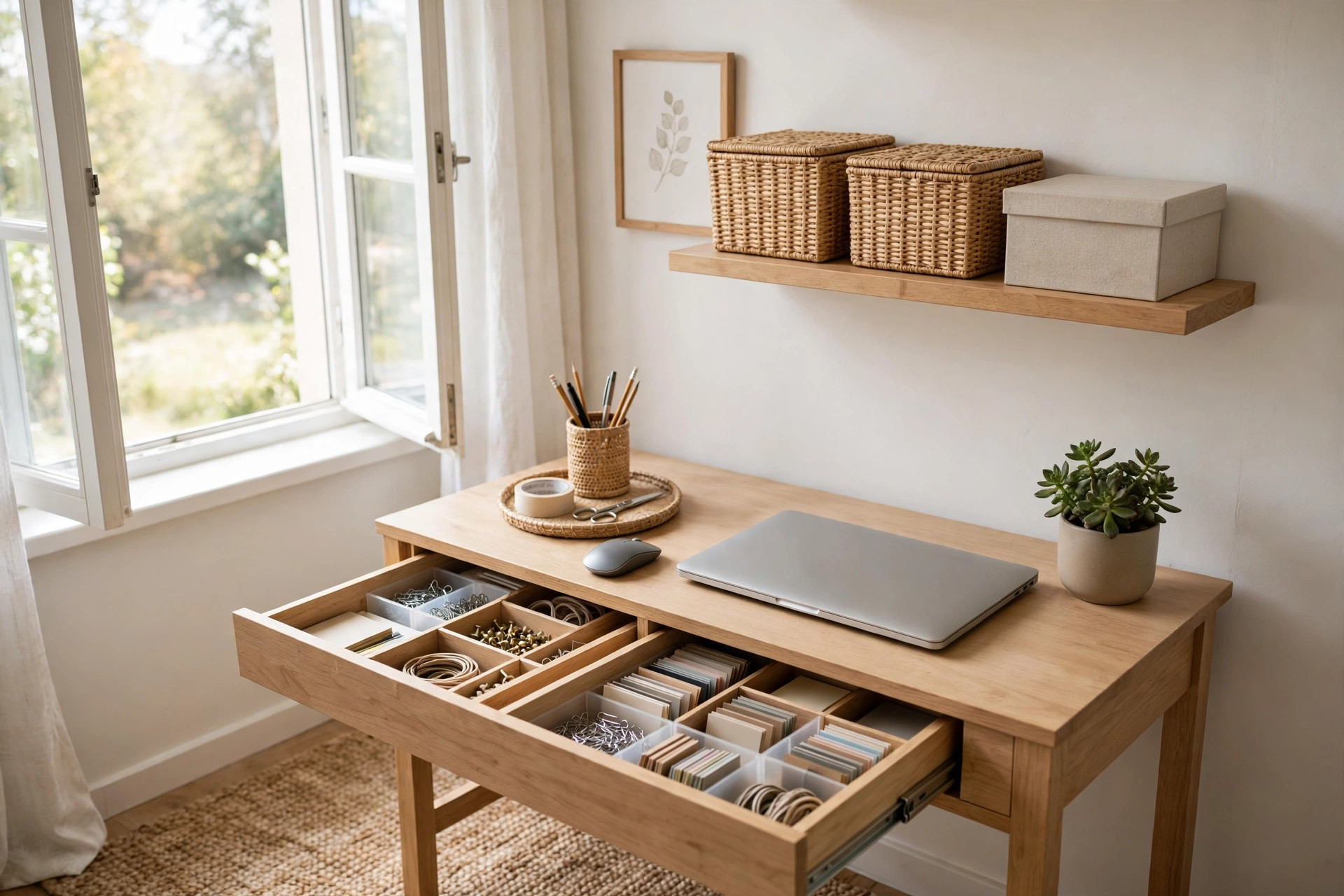
A Simple System for Paper Clutter: Mail, Documents & Household Paperwork
If you're wondering how to organize paper clutter, you're not alone. Paper is one of the sneakiest clutter sources in any home, it arrives a little bit every day, looks important, and multiplies into piles on counters, tables, and that one chair nobody sits in anymore.
In this article, you'll learn a complete, maintainable system for household paper: how to triage daily mail in under five minutes, a three-folder action system for anything needing attention, a practical framework for deciding what to keep, shred, or toss, a simple filing setup for a small home, easy ways to go paperless, and a weekly 10-minute reset that keeps it all running. No perfection required.
Why Paper Clutter Keeps Coming Back
Paper clutter isn't really a paper problem, it's a decision problem. Every envelope and form asks you to make a tiny choice: keep it, act on it, or get rid of it. When you're tired or in a hurry, you make no choice at all, and the paper lands in a pile "to deal with later." Do that twenty times and you've got a mountain.
The system below removes daily decision fatigue. Instead of deciding what to do with each item from scratch, you'll have a small set of rules and homes for your paper. The goal isn't a perfectly organized filing cabinet, it's paper that flows in and flows back out without piling up.
The Daily Mail Triage: Touch It Once
The single biggest habit change you can make is handling mail the day it arrives. This takes three to five minutes and prevents most paper pileups.
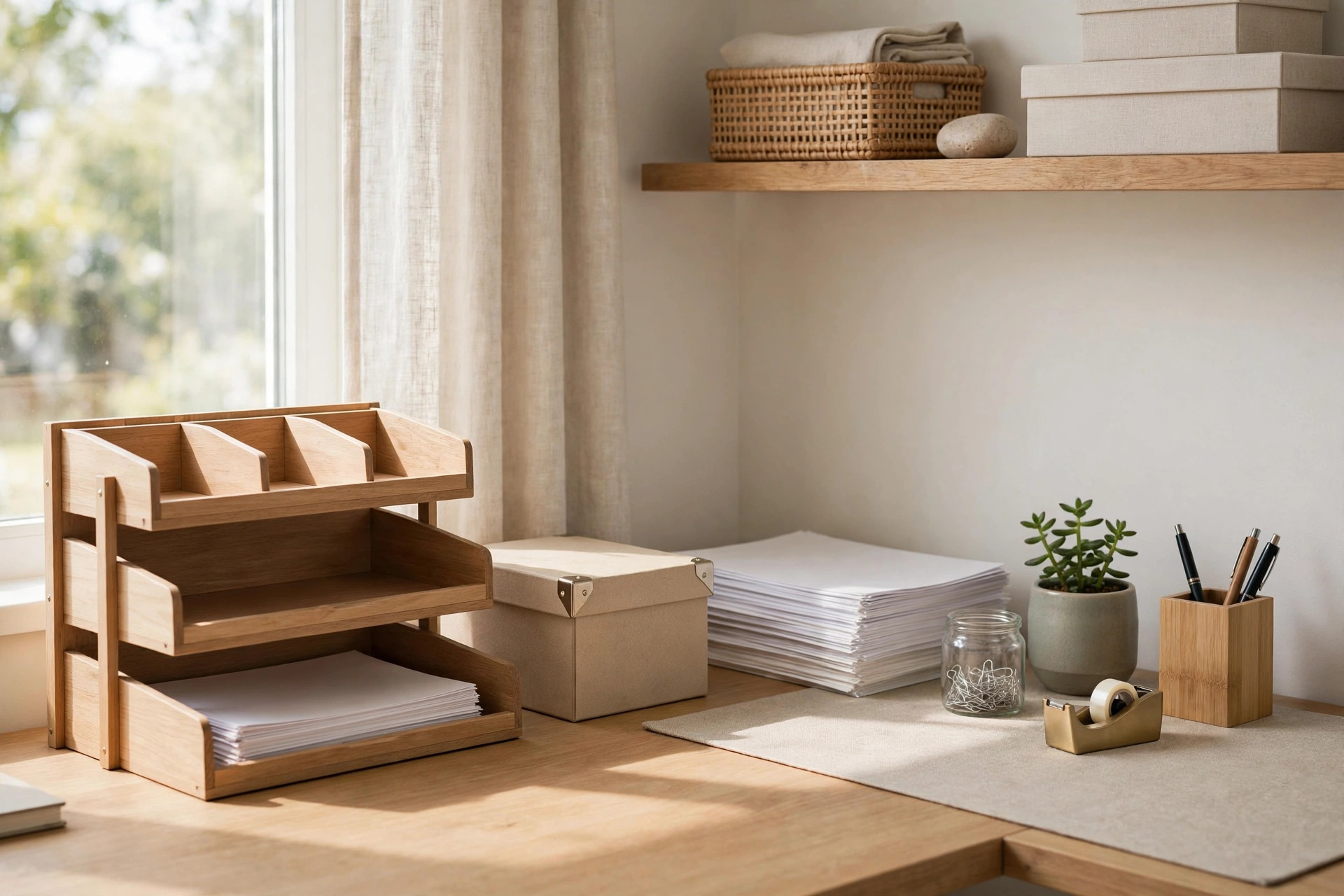
Set up a spot near where you come in the door: a recycling bin, a small trash can, and three folders or trays. Sort every piece of mail into one of four buckets:
- Recycle or toss immediately. Junk mail, catalogs, coupons you won't use, and empty envelopes go straight into recycling.
- Shred later. Credit card offers, pre-approved anything, or anything with account numbers goes into a small "shred" container. Shred it once a week.
- Needs action. Bills to pay, forms to sign, invitations to answer. These go in your action system below.
- Needs filing. A new insurance card, a vehicle registration, a paid bill worth keeping. These go in a "To File" folder for your weekly reset.
The key rule: touch it once. When you pick up a piece of mail, it goes directly into a bucket, never on the counter "for now," because "for now" is where piles are born. Stand next to the recycling bin while you sort; most households can recycle or toss more than half of incoming mail immediately.
How to Organize Paper Clutter With Three Folders
Paper that needs action is what makes people anxious, those vague piles that might contain something important. Fix it with three labeled folders (physical folders, trays, or magazine files):
- To Do, bills to pay, forms to fill out, calls to make, deadlines to meet.
- To File, items worth keeping that need no action, waiting for your weekly filing.
- To Read or Reference, newsletters, brochures, or reference sheets for when you have time.
A few rules keep the system honest:
- The To Do folder should hold only a handful of items. If it's overflowing, schedule a 15-minute action session instead of adding a fourth folder.
- The To Read folder has a one-month limit. If you haven't read something in a month, recycle it guilt-free.
- Anything with a deadline goes on your calendar or phone reminder the day it arrives. The folder holds the paper; your calendar holds the deadline.
Keep, Shred, or Toss: A Practical Framework
People hoard paper because they're afraid of throwing away something important. This general framework helps you decide calmly. This is everyday household guidance, not legal or financial advice, if you're unsure about a specific document, check with the relevant professional or institution.
Toss or recycle freely:
- Junk mail, catalogs, coupons, and empty envelopes
- Duplicates of documents stored elsewhere
- Old magazines, expired coupons, outdated schedules
Shred before discarding:
- Anything with account numbers, financial details, or personal identification numbers
- Medical paperwork with personal information
- Old ID cards, voided checks, expired credit cards, documents with your signature
- Pre-approved credit offers
Keep (filed, not piled):
- Documents proving ownership, deeds, titles, big-ticket purchase records
- Vital records, birth and marriage certificates, passports, Social Security cards
- Active contracts, leases, warranties, and insurance policies
- Recent tax-related paperwork you may need at filing time
- Records of anything you might need to dispute, receipts for major purchases, paid medical bills, home repair records
When in doubt, ask: Could I get a replacement easily? A phone bill can be reprinted online; a birth certificate replacement takes weeks. That distinction tells you what deserves filing space.
A Simple Filing Setup for a Small Home
You don't need a four-drawer filing cabinet. One of these will do: an accordion file with 10–15 pockets, a small file box with hanging folders, or a binder with tabbed dividers.
Keep categories broad, the more specific your labels, the more decisions filing requires, and the more likely you'll skip it. Ten or so cover most households: Home (mortgage/rent, lease, homeowner's insurance), Vehicles, Medical (one folder per family member), Insurance, Employment, Taxes (current year), Kids/School, Warranties & Manuals, Receipts (major purchases only), and Personal (catch-all).
File once a week during your paper reset, batching is faster than filing daily. And once a year, flip through the folders and pull out anything clearly outdated, like last year's insurance cards or a warranty for an appliance you no longer own.
Go Paperless Where It Counts
The best paper to organize is the paper you never receive.
- Bills and statements. Most banks, utilities, and card companies offer paperless statements. Switch the accounts you check online anyway.
- Junk mail. Opt out of pre-approved credit offers through the official opt-out service, and contact catalog companies directly to stop catalogs you never open.
- Receipts. Choose email receipts when offered. For receipts that matter, snap a photo with your phone's scanning app and recycle the paper, just make sure your photos back up automatically.
- Manuals. Before filing a paper manual, check if it's online. A searchable PDF beats a booklet you'll never find.
Don't try to digitize everything at once. Pick one category, say, bills, and go paperless there this month. Gradual beats overwhelming every time.
The Weekly 10-Minute Paper Reset
Daily triage handles the inflow; the weekly reset handles everything left over. Pick a consistent day, set a timer for 10 minutes, and do these four things:
- Process the To Do folder. Pay bills, sign forms, make calls. Anything unfinished gets a calendar reminder with a real date.
- File the To File folder. Put everything in its category. This takes two or three minutes once you're in the habit.
- Clear the To Read folder. Read what matters, recycle the rest.
- Empty the shred pile. Shred what's accumulated and take out the recycling.
That's the whole system. Daily triage keeps piles from forming, three folders hold everything needing attention, and the weekly reset clears the decks. Paper will keep arriving, but now it has somewhere to go.
Frequently Asked Questions
What if I already have a huge backlog of paper?
Don't sort it all in one sitting. Box it up, label it "backlog," and start the new system today. Then work through the backlog in 15-minute sessions a few times a week using the same keep/shred/toss framework.
Should I keep paper copies of bills I pay online?
For most routine bills, a digital record from your provider is fine. If you like a paper trail, keep just the most recent statement for active accounts and let older ones go once you've confirmed everything is correct.
How do I get my family on board?
Keep it simple and visible. Show everyone where the recycling bin and the three folders live, and make the rule "no paper on the counter", it goes in a folder or the bin. Three folders are much easier to adopt than thirty.
What about sentimental paper, cards, kids' artwork, letters?
Give sentimental paper its own home, separate from the action folders. Keep one memory box per person or per family, and let it be the limit: when it's full, choose favorites before adding more. Photographing bulky artwork keeps the memory without keeping every sheet.
How often should I clean out my filing system?
Once a year is plenty for most households. Pick a month and spend 30 minutes pulling out anything outdated. Keep the same categories year to year so the system stays familiar.