Best Home Security Systems for Renters
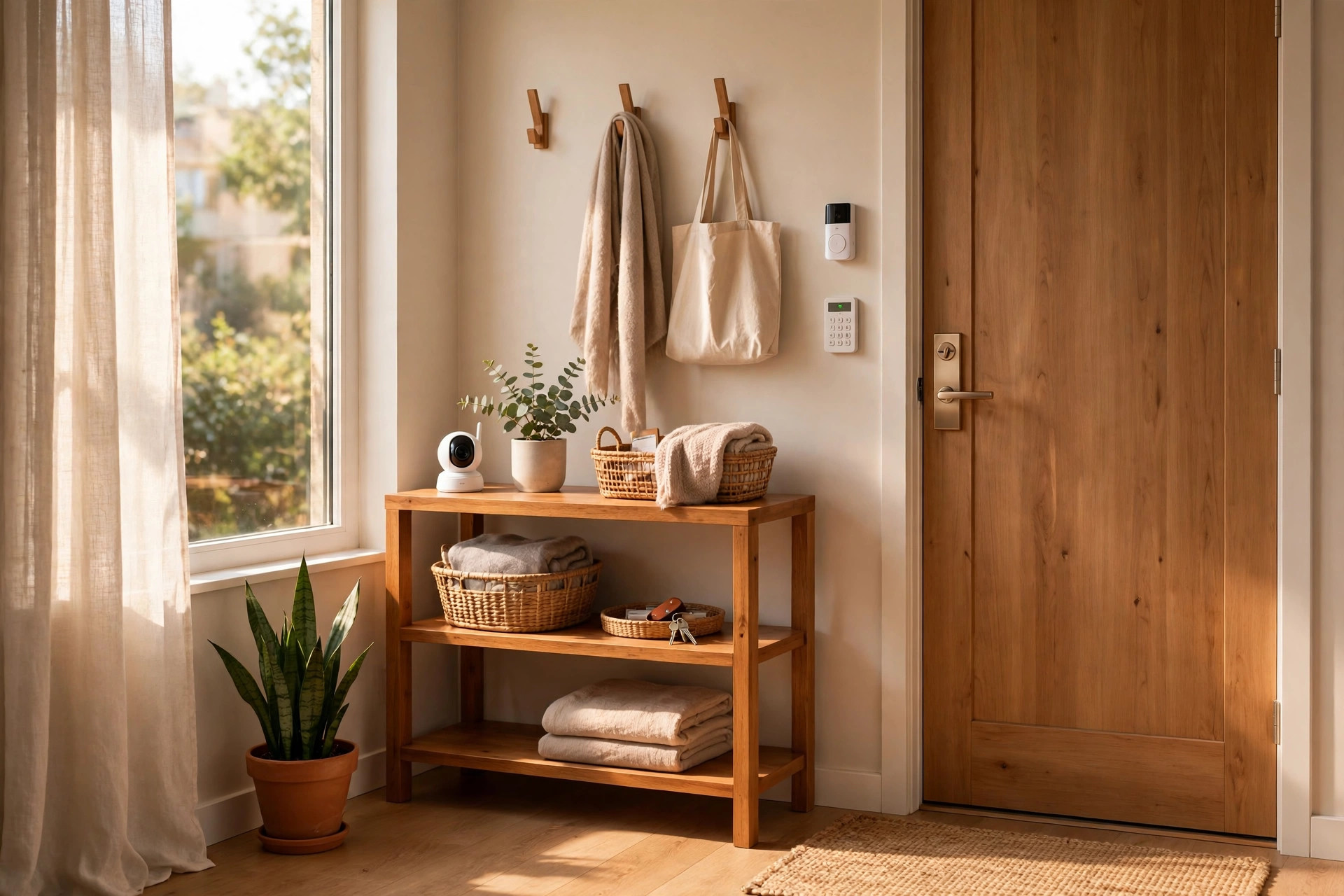
Renters need security too, but most alarm systems were designed for homeowners: technicians drilling into door frames, control panels screwed into walls, and three-year contracts. The good news is that a new generation of wireless, no-drill systems is built exactly for apartments and rentals. In this guide, you'll learn what makes a system truly renter-friendly, the best types of systems to consider (from full DIY kits to a single video doorbell), what to look for before you buy, how to handle the landlord conversation, and what to avoid so you get your full deposit back.
What Makes a Security System Renter-Friendly
Not every "wireless" system is renter-friendly. Before you spend a dollar, check for these six things:
- No drilling or wiring. Every sensor should mount with adhesive strips or sit freestanding. If the instructions mention a drill, it's not for you.
- Fully wireless communication. Sensors talk to the base station over a wireless signal, and the base station connects through WiFi or cellular. No landline, no ethernet run through walls.
- Peel-and-stick or freestanding sensors. Door, window, and motion sensors should attach with removable adhesive or simply rest on a shelf.
- No long-term contract. Look for month-to-month monitoring you can cancel anytime. A three-year contract makes no sense on a twelve-month lease.
- Portable by design. You should be able to peel everything off, pack it in a box, and set it up in your next place in under an hour.
- Apartment-aware features. Pet-immune motion sensors matter when you have a cat, and entry sensors sized for apartment doors and windows matter more than ones built for suburban homes.
The Best Renter-Friendly Security Options
DIY Wireless Security Kits
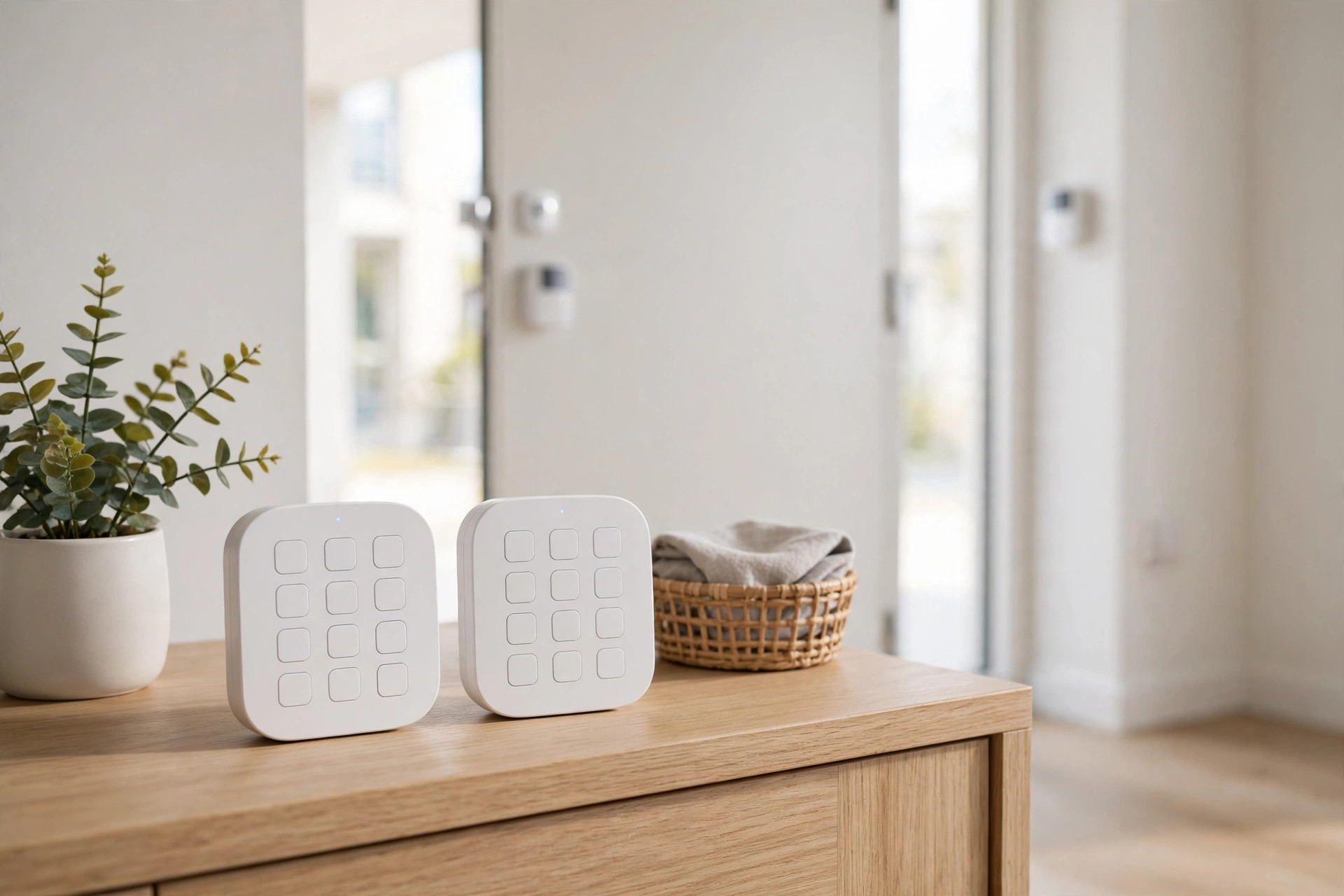
This is the closest thing to a "real" alarm system without the drill. Companies like SimpliSafe, Ring Alarm, and Abode sell kits with a base station, keypad, entry sensors, and motion sensors. The base station plugs into a wall outlet, sensors stick to doors and windows with adhesive, and you control everything from your phone.
Starter kits typically run $150 to $300, and professional monitoring is optional at roughly $10 to $30 per month. Self-monitoring through the app is usually free. Setup takes 30 to 60 minutes with no tools beyond what comes in the box. When you move, peel the sensors off, pack the kit, and reinstall it in the new place.
Battery-Powered Video Doorbells
A video doorbell is the single highest-impact security upgrade for most renters. Battery-powered models from Ring, Eufy, and Wyze need no wiring at all. Many mount with strong adhesive or clamp onto the existing door frame or peephole, and some apartments allow a single small screw in the door frame trim, which is easy to fill at move-out.
You get package-theft deterrence, visitor screening, and motion alerts for $60 to $200 with no monthly fee required for basic features. If your building has a shared entry or your landlord controls the front door, a peephole camera or an indoor camera pointed at your entry can be a workaround.
Indoor Cameras
A single indoor camera on a bookshelf covers a surprising amount. Wyze, Eufy, and Ring indoor cameras cost $30 to $80, plug into an outlet, and need zero mounting. Point one at your main entry from inside and you have motion alerts, two-way talk, and recorded clips.
Look for local storage options (microSD card) if you want to avoid subscription fees. Eufy in particular is known for no-monthly-fee local storage, which keeps the lifetime cost low.
Smart Locks That Fit Over Your Deadbolt
Smart locks sound like a landlord nightmare, but retrofit models like August and Wyze Lock only replace the interior side of your existing deadbolt. The outside looks identical, your landlord's key still works, and you can swap the original back in ten minutes at move-out.
This is the one category where you should always ask your landlord first, since it touches the lock itself. Many landlords say yes because keyless entry means no lockouts and no copied keys floating around.
What to Look For Before You Buy
Contract terms. Month-to-month or no contract is the renter standard. If a company pushes a multi-year agreement, walk away.
Monitoring options. Self-monitoring (app alerts to your phone) is free with most systems and enough for many renters. Professional monitoring ($10 to $30 per month) means a monitoring center calls you and dispatches police when an alarm triggers. Choose based on your comfort level, not a salesperson's pitch.
Battery life. Door and window sensors typically run one to two years on a coin battery. Cameras are the hungry ones: battery cameras need recharging every one to six months depending on activity. If climbing a ladder to recharge a camera sounds annoying, prefer plug-in models.
Pet immunity. If you have a cat or a small dog, confirm the motion sensor is pet-immune up to your pet's weight. Otherwise every midnight zoomies session becomes a 2 a.m. alarm.
Take-it-with-you factor. Before buying, imagine move-out day. Can every piece come off the wall cleanly? Are there more than a dozen adhesive mounts to remove? Systems with fewer, larger components are easier to move than systems with twenty tiny sensors.
Renter Tips: Landlord, Lease, and Move-Out
Read your lease first. Most leases don't mention security devices at all, which means they're generally allowed. Some mention "no alterations," which adhesive-mounted devices don't violate. A few prohibit cameras in shared hallways, so keep cameras inside your unit.
Tell your landlord anyway. A quick message ("I'm installing a wireless, no-drill alarm system, nothing gets screwed into walls") prevents 99 percent of problems. Most landlords are fine with it, and some are pleased, since a security system protects their property too.
Mount smart. Clean surfaces with rubbing alcohol before applying adhesive mounts, wait an hour before loading them, and respect weight limits. Our renter-friendly organization guide covers the damage-free hanging techniques that apply here too.
Plan the uninstall. Keep the original packaging if you can. At move-out, remove mounts by pulling adhesive tabs slowly downward along the wall, touch up any marks, and take timestamped photos. The whole uninstall for a typical kit takes under an hour.
What to Avoid
- Professionally installed wired systems. Drilling, wall-mounted panels, and technician visits are homeowner territory.
- Long contracts. Never sign a multi-year monitoring agreement on a rental.
- Drilling into door or window frames. Even small holes in frames are conspicuous at inspection time.
- Outdoor cameras mounted to the building. Most leases forbid attaching anything to the building exterior. Keep cameras inside, pointed out through windows if needed.
- Systems that require a landline or ethernet. If it needs a cable run through a wall, it's not renter-friendly.
Frequently Asked Questions
Will my landlord allow a wireless security system?
In most cases, yes. Adhesive-mounted wireless devices don't alter the property, so they don't violate typical "no alterations" clauses. It's still smart to notify your landlord in writing before installing, and to confirm if your lease has any specific rules about cameras or smart locks.
Can I take my security system with me when I move?
That's the whole point of renter-friendly systems. Peel off the adhesive mounts, pack the base station and sensors, and reinstall in your new place. Budget about an hour for teardown and an hour for setup. Keep spare adhesive strips on hand since used ones don't re-stick well.
Do wireless security systems need WiFi to work?
Most use WiFi for app features and remote alerts, but the sensors communicate with the base station on their own wireless signal. Many systems also offer cellular backup, so the alarm still works during an internet outage. If your rental has unreliable WiFi, prioritize a system with cellular connectivity.
Are battery-powered cameras reliable enough for security?
For deterrence and alerts, yes. Modern battery cameras wake in under a second when motion is detected and record clear clips. They're less suited to 24/7 continuous recording, which drains batteries fast. For entry monitoring and package alerts, battery cameras are a solid renter choice.
How much should a renter expect to spend?
A sensible starter setup runs $150 to $300 for equipment: a DIY kit or a video doorbell plus an indoor camera. Monthly costs are optional, from $0 for self-monitoring to $10 to $30 for professional monitoring. Avoid anything that pushes the total much higher, since you can't take built-in infrastructure with you.